Back to newsletter
NEWSLETTER
Your IT Admin Blocked Gemini's Access. Gemini Can Still Reach Your Salesforce.
September 22, 2026
NEWSLETTER
September 22, 2026
According to Google's administrator help page, API Controls do not restrict Gemini's third-party integrations in Workspace, so changing an app from Trusted to Blocked there does not stop users from using the integration. Google places the controls elsewhere: a Marketplace allowlist and the Third-Party Connectors page in the Admin console. The question for any new AI feature is whether the security controls a team already uses sit in the path that feature takes, and who authorized each layer that made the access possible.
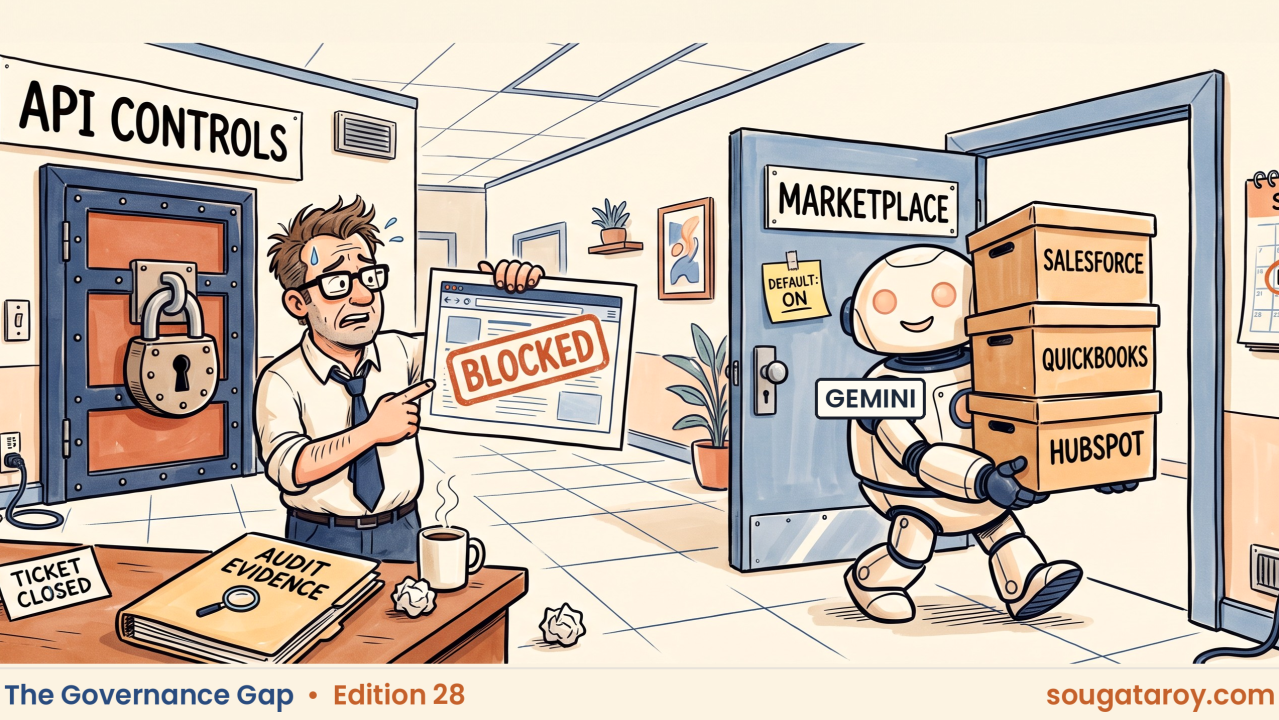
A ticket was filed on Wednesday. It involved a compliance analyst at a regional bank who noticed a coworker using the Gemini side panel inside Google Sheets to pull in open opportunities from Salesforce. The analyst then opened a ticket to inquire who approved Gemini's access to Salesforce.
The Workspace administrator followed the instruction. He found a connected app that had not been requested and noticed it listed under API controls in the Admin console. He went through the steps to switch the app status from Trusted to Blocked and took a screenshot. He believed this action would keep Gemini from accessing Salesforce. All before lunch. The analyst confirmed the work, the ticket was then closed, and the screenshot went into the folder dedicated to auditor review.
This is a fictional case. All information provided below about Google's product is factual.
According to Google on its Workspace Updates blog on September 15, 2026, Gemini now works with seven services from other providers. The services include Asana, Atlassian Rovo, HubSpot, Intuit Mailchimp, Intuit QuickBooks, Monday and Salesforce. Users may reach these tools from the Gemini side panel in Docs, Sheets and Slides, as well as in Google Chat. Google says the feature is enabled by default for users who have Gemini for Google Workspace access. The feature is already available now.
Google updated the administrator help page for these integrations on September 18. The page includes information that creates serious difficulties for administrators.
According to Google, API Controls do not restrict access to these integrations. Even if an administrator changes an app from Trusted to Blocked there, users can still use the integration.
The setting shown in the screenshot has been changed. Google states that users can continue to use the integration regardless of this change.
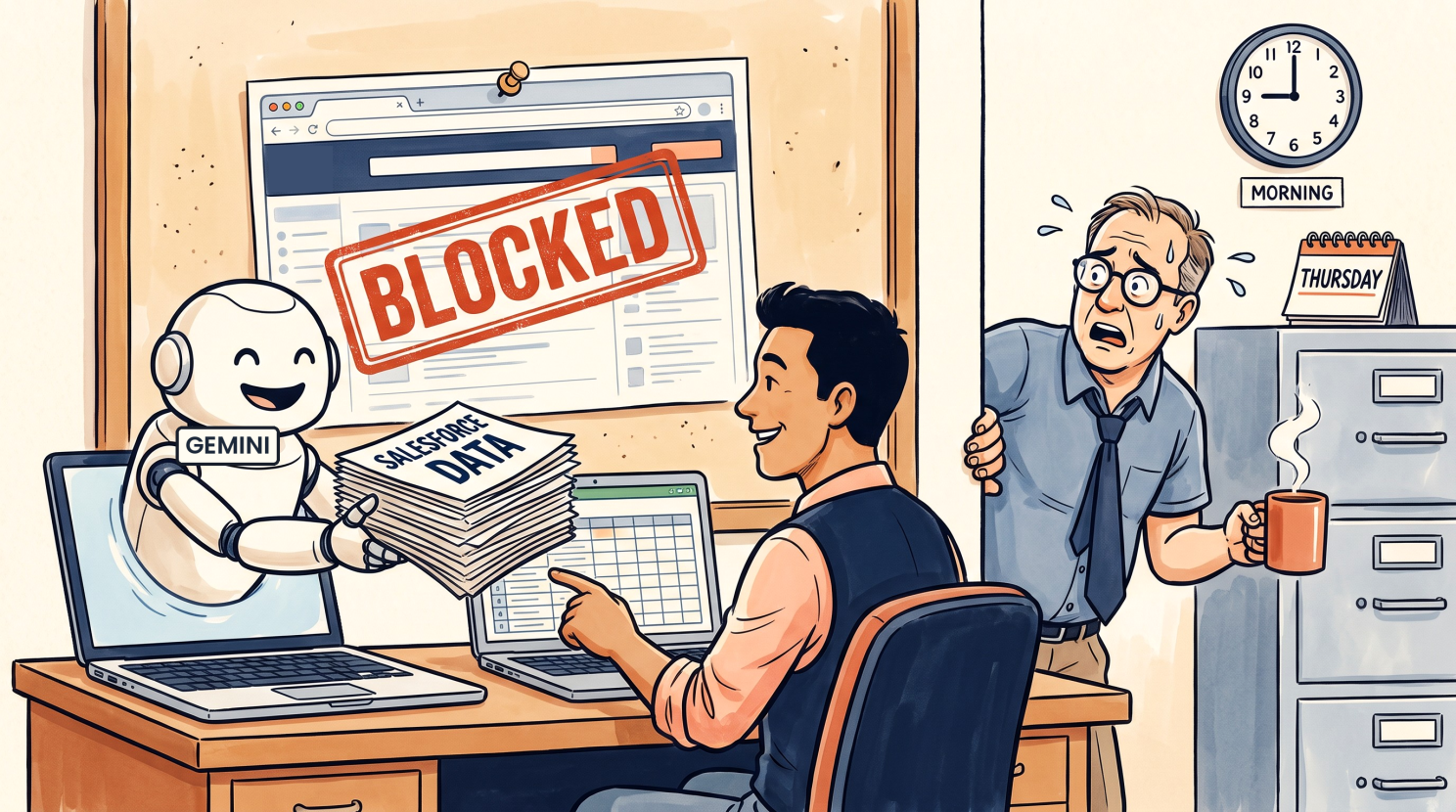
The question this week is whether the security controls your team currently uses are present in the path used by the new AI feature. You must also determine if anyone verified this before the task was finished.
Google indicates where the administrative controls are located. The help documentation explains that, since these integrations belong to the Google Workspace Marketplace, administrators handle them like other Marketplace applications. Organizations may employ a Marketplace allowlist to limit which users can access them. The September 15 announcement notes that the Admin console also contains a Third-Party Connectors page. On that page, administrators can enable or disable connectors for particular domains, organizational units, or groups.
I must note one specific limitation in this account. According to Google's help page, users still need the required subscription for a connected service. Individuals who use the Salesforce connector already have their own Salesforce subscriptions. Google also says the Salesforce instance must be set up with Salesforce’s sobject-reads MCP server. The September 15 update adds another route through which authorized users may access Salesforce data and another console involved in its management. Google states that users can access information in these services through Gemini and, depending on the integration, perform actions there. For Salesforce specifically, the required sobject-reads server is read-only.
The administrator adhered to the established procedures. He used the interface as trained, and the setting changed to Blocked. The evidence folder holds documentation of a Blocked setting that does not restrict this integration according to Google's documentation. No alerts or error messages appeared during the process, and the support ticket was closed. While the screenshot records the control, that control does not apply to this integration path.
The analyst's question remains unanswered. The administrator did not approve Workspace-side availability of the Salesforce connector and thought he had denied the request. The Salesforce owner did not approve making it available through Gemini in Workspace because they were not consulted. Google enabled Workspace-side availability by default. Successful access, however, also means that the required Salesforce-side setup, authentication, and user permissions existed. If no one in your organization has reviewed this setting, the truthful answer to “who approved Workspace-side availability?” is the vendor's default configuration. In that case, no one in your company has documented that part of the decision.
There is another switch on the opposite side. Google states that some integrations require a helper app supplied by the third-party service. Asana is one example. If that service uses an allowlist, the helper app must also be allowed before users can use the integration. In these cases, administrators of the external system manage another control that the Workspace team might not be able to see.
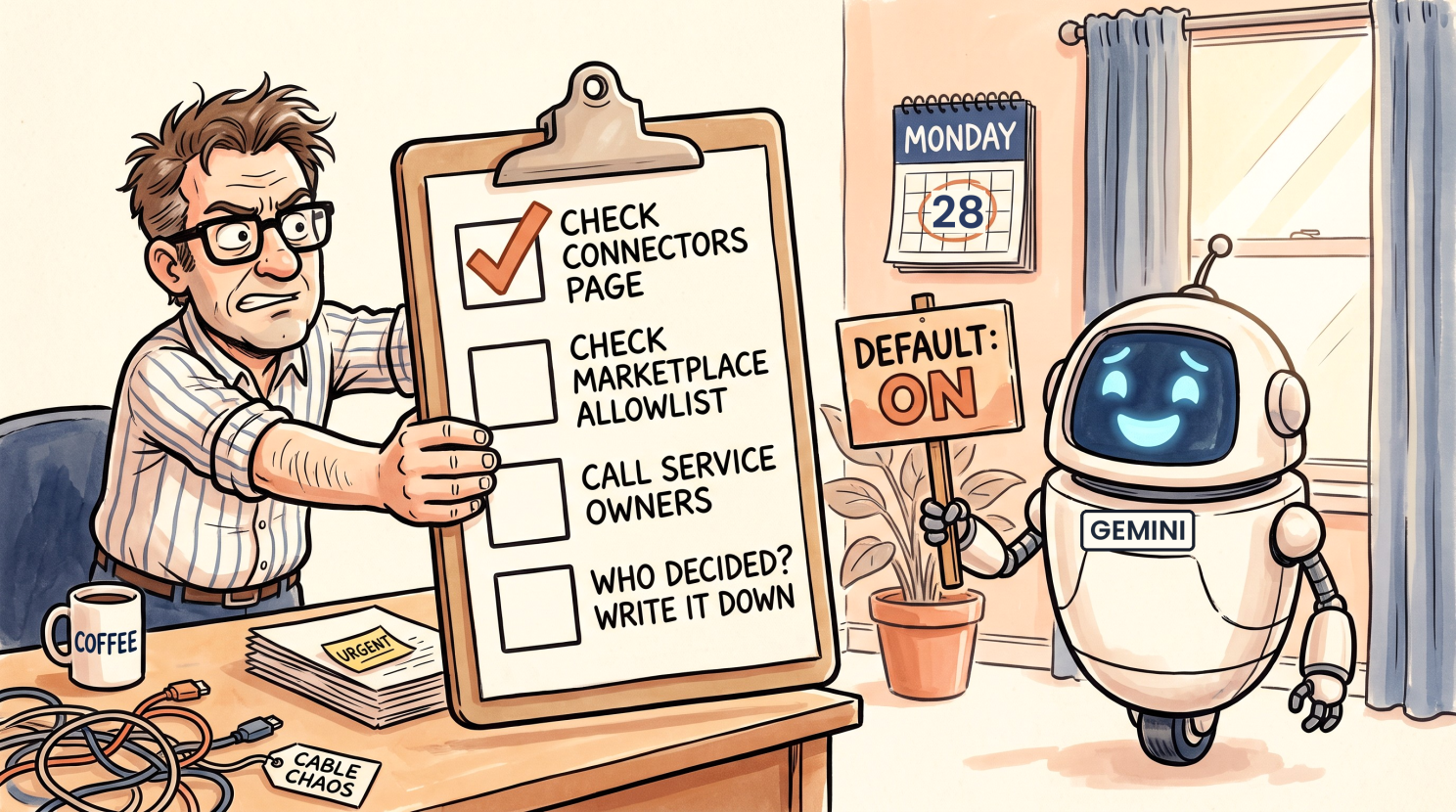
This Monday update is short.
Open Apps > Google Workspace > Gemini for Workspace > Third-Party Connectors and note which connectors are on and for which organizational units and groups. Based on Google's wording, assume the feature is on for eligible users with Gemini for Workspace access until the page indicates otherwise.
This check determines whether your organization uses an allowlist to manage Marketplace apps. Google identifies this as a way to restrict access to these integrations. If you do not use an allowlist, a screenshot of your API control settings does not prove that this feature is blocked. Google says API Controls do not restrict these integrations.
Contact the owners of the services your organization licenses. Ask them whether they use an application allowlist and whether they have approved any helper applications or required MCP configuration.
Create one line for each connector to document the person who enabled each required layer. If Workspace-side availability was enabled by the default setting, record that information. The phrase "Default, not reviewed" accurately records this.
If your team uses different software, the specific product details in this guide will not apply, but the process still applies. Identify the connections available for the AI assistant your staff uses. Verify that the controls you expect to use match the controls described in the vendor documentation.
Your ticketing system might include a request that was closed with a screenshot of a switch set to Blocked. This image could be the only available record of that decision. You must identify exactly what that setting actually blocked.
Determine who authorized each layer that allowed Gemini to reach your CRM.